AI coding tools have evolved rapidly over the past few years, but few have changed the way developers work as dramatically as Claude Code.
When AI coding assistants first appeared, most developers saw them as advanced autocomplete tools. They could generate snippets, answer technical questions, and occasionally help debug issues. Useful, but not revolutionary.
Claude Code feels different.
Instead of simply responding to prompts, it can understand your project structure, work across multiple files, help you debug complex issues, generate code, refactor existing systems, and even complete multi-step development tasks with minimal supervision.
For many developers, it has become more than an assistant. It's becoming part of their daily workflow.
In this guide, you'll learn what Claude Code is, how it works, how to install it, what makes it different from other AI coding tools, and how to get the most value from it in 2026.
What Is Claude Code?
Claude Code is an AI-powered coding assistant created by Anthropic.
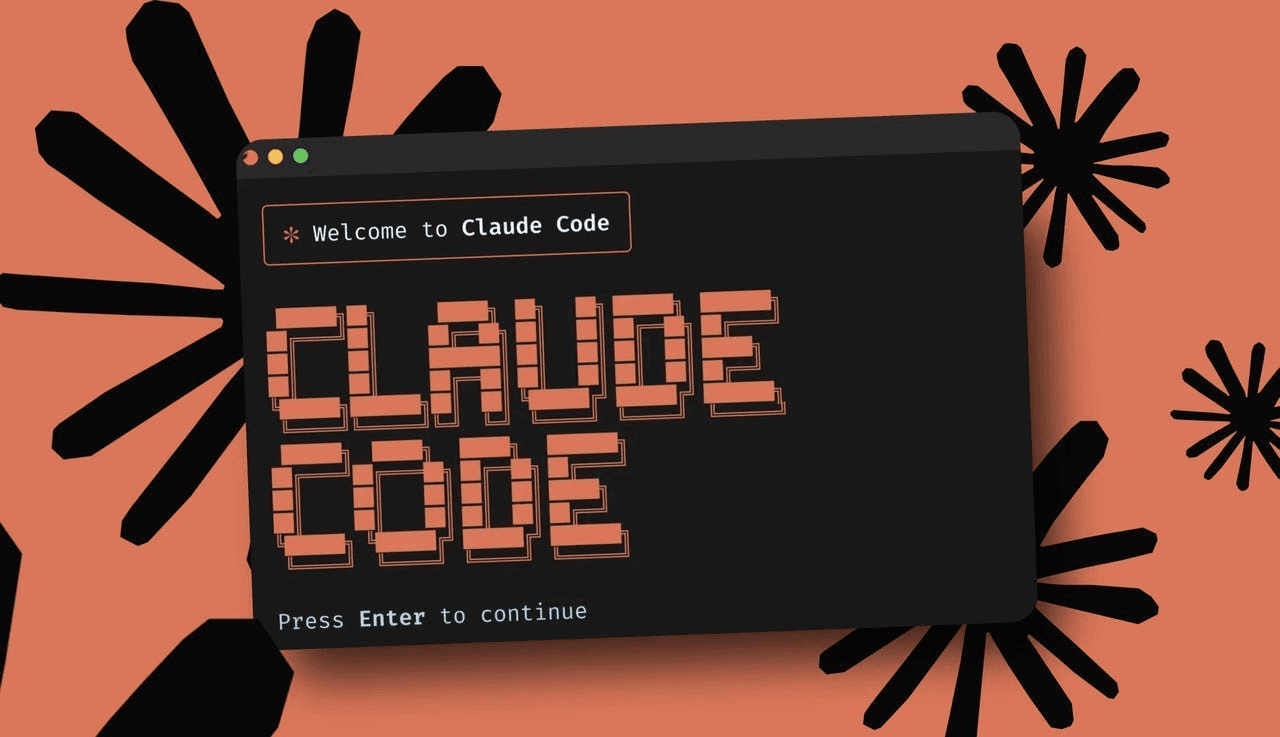
Unlike traditional AI chatbots that require you to copy and paste code into a browser window, Claude Code runs directly from your terminal and can interact with your project files.
This allows it to:
- Read and understand your codebase
- Create and modify files
- Debug issues
- Generate tests
- Refactor existing code
- Explain unfamiliar logic
- Assist with large development tasks
Because it has direct access to your project context, it can often provide more useful answers than a general-purpose chatbot.
Instead of looking at a single code snippet in isolation, Claude Code can understand how different files, functions, and components work together across an entire application.
That's one of the biggest reasons developers are adopting it so quickly.
Why Developers Are Talking About Claude Code
There are plenty of AI coding tools available today.
GitHub Copilot, Cursor, ChatGPT, Gemini Code Assist, and others all offer useful features.
So why has Claude Code gained so much attention?
Large Context Understanding
One of Claude's biggest strengths is its ability to handle large amounts of context.
Modern applications often contain dozens or even hundreds of interconnected files.
Instead of repeatedly explaining how your application works, Claude can maintain awareness of project structure and relationships between files throughout a session.
This becomes increasingly valuable as projects grow.
Strong Instruction Following
Developers often need AI tools to follow strict requirements.
You may need:
- Specific coding standards
- Certain architectural patterns
- Naming conventions
- Restrictions on libraries or dependencies
Claude generally performs very well when given clear instructions and constraints.
Agent-Based Workflows
Perhaps the most impressive feature is Agent Mode.
Instead of asking the AI to perform one small task at a time, you can describe a larger goal and allow Claude to work through multiple steps independently.
This creates a much more productive workflow for complex development tasks.
Installing Claude Code
Getting started is relatively straightforward.
Before installation, make sure you have:
- A Claude account
- Node.js 18 or higher
- A terminal environment
- An existing development project
Step 1: Verify Node.js
Open your terminal and run:
node --version
If your version is below 18, update Node.js before continuing.
Step 2: Install Claude Code
Run:
npm install -g @anthropic-ai/claude-code
Step 3: Open Your Project Directory
Navigate to your project folder:
cd your-project
Step 4: Launch Claude Code
Run:
claude
You'll be prompted to sign in with your Claude account.
Once authentication is complete, Claude Code is ready to use.
What Can Claude Code Actually Do?
Many people assume AI coding tools are only useful for generating code snippets.
In reality, Claude Code can assist throughout the entire development lifecycle.
Debugging Problems
Claude can inspect files, analyze error messages, and trace bugs across your application.
Instead of manually searching through multiple files, you can ask Claude to investigate specific issues and explain the root cause.
Refactoring Existing Code
Refactoring is one of Claude Code's strongest use cases.
It can:
- Split large files into smaller modules
- Improve readability
- Remove duplication
- Modernize older patterns
- Improve maintainability
This can save significant development time.
Generating Tests
Testing is often postponed because it's repetitive and time-consuming.
Claude can generate:
- Unit tests
- Integration tests
- Edge case coverage
- Mock implementations
This helps improve code quality while reducing manual effort.
Understanding Legacy Code
Every developer eventually inherits code they didn't write.
Claude is surprisingly effective at explaining:
- Business logic
- Complex functions
- Database relationships
- Application architecture
Instead of spending hours reverse-engineering a system, you can quickly understand how it works.
Understanding Agent Mode
Agent Mode is where Claude Code begins to feel fundamentally different from traditional AI assistants.
Most AI tools work like this:
- You ask a question
- The AI responds
- You ask another question
- The cycle repeats
Agent Mode changes that workflow.
You provide a goal.
Claude then:
- Creates a plan
- Executes tasks
- Evaluates results
- Adjusts when necessary
- Requests clarification only when required
For example, instead of saying:
Create a CSV export function.
You could say:
Add CSV export functionality to the customer dashboard, including loading states, error handling, and download support.
Claude can then work through much of the implementation process on its own.
The experience feels closer to delegating work than chatting with a bot.
Claude Code vs Other AI Coding Tools
Every AI coding tool has strengths and weaknesses.
Claude Code Strengths
- Excellent context handling
- Strong reasoning capabilities
- High-quality explanations
- Powerful agent workflows
- Reliable instruction following
Cursor Strengths
- Excellent IDE integration
- Familiar editor experience
- Visual workflow
GitHub Copilot Strengths
- Fast inline completions
- Deep IDE integrations
- Mature ecosystem
The best choice ultimately depends on how you prefer to work.
Developers who spend most of their time in the terminal often find Claude Code extremely powerful.
Developers who prefer visual editors may feel more comfortable with tools like Cursor.
Tips for Getting Better Results
Be Specific
Avoid vague prompts.
Instead of:
Fix this bug.
Try:
Investigate why expired JWT refresh tokens are returning a 401 response in the authentication middleware.
Specific prompts produce significantly better results.
Provide Constraints
Tell Claude what should not change.
For example:
Refactor this module but keep all public function signatures unchanged.
Clear boundaries often improve output quality.
Ask for Explanations
Don't just ask for fixes.
Ask:
Explain the root cause and why this issue occurred.
This helps you learn while solving problems.
Review Everything
Claude Code is powerful, but it's still an AI tool.
Always review generated code before shipping it to production.
Understanding your own code remains essential.
Is Claude Code Worth Learning in 2026?
For many developers, the answer is yes.
Claude Code isn't perfect.
Like every AI system, it can make mistakes, misunderstand requirements, or occasionally generate solutions that need refinement.
However, when used correctly, it can dramatically reduce repetitive work, speed up development, improve productivity, and help developers focus on higher-value tasks.
The developers getting the most value from Claude Code aren't treating it as a replacement for software engineering skills.
They're using it as a powerful assistant that helps them work faster and more effectively.
If you haven't tried Claude Code yet, the best approach is simple:
Open a real project, give it a meaningful task, and see how it fits into your workflow.
That's where its strengths become obvious.
Frequently Asked Questions
Can Claude AI write code?
Yes. Claude can generate code, debug applications, create tests, explain existing code, and assist with software architecture decisions across many programming languages.
Is Claude Code free?
Claude offers limited free access through its consumer products, but Claude Code typically uses API-based access and may involve usage-based costs depending on your setup.
Which programming languages does Claude Code support?
Claude Code can work with most modern programming languages, including JavaScript, TypeScript, Python, Go, Rust, Java, PHP, Ruby, and many others.
Is Claude Code suitable for beginners?
Yes. Beginners can use Claude Code to learn programming concepts, understand existing code, and accelerate project development while improving their skills.
Should developers trust AI-generated code?
AI-generated code should always be reviewed before deployment. Claude Code can be highly useful, but developers should verify and understand the code they ship to production.